
The reminders go out. You keep the big picture.
You schedule the reminders once. Nestor sends them at your pace, stops them for those who have answered, and shows you where each file stands.
01The timeline
One request, three weeks, no reminder written by hand.
Example schedule for a request due on day 21. You choose the dates, the frequency, and the message.
Deadline: day 21
- Day 0The request goes outThe people you work with receive the request and its deadline, and open their space with a link.
- Day 7First reminderYour message goes to those who have not answered yet.
- Day 14Second reminderThose who have uploaded their document do not receive it.
- Day 19Deadline reminderA reminder announces the deadline.
- With each answerYou are notifiedBy email, in the app, or in your browser, and the action is added to the log.
02The big picture
What is moving, what is stuck.
The status of each request, the dashboard of each campaign, and the log of each space answer the same question: where does this file stand?
- Statuses
- To validate, correction requested, or validated.
- A dashboard
- Opens, answers, and validation, by recipient.
- Notifications
- Email and app; browser for your team.
- An exportable log
- Who did what, and when, as CSV.
Reminders
Home insurance certificate (48)
RecurringFormActiveEvery Monday at 09:00, from October 19 to November 5, 2026
Last reminder Monday, October 19, 2026 at 09:00
Home insurance certificate (48)
One-offFormActiveOnce, on Sunday, November 1, 2026 at 09:00
Pending
Traceability
T3 rental Les Tilleuls, Julie Moreau
- 1 file added to the vaultAlain Moreau - Tax notice.pdfAlain Moreau · October 10 at 8:02 PMAlain MoreauOctober 10 at 8:02 PM
- Answer given to the requestDocument request - Guarantor's latest tax noticeAlain Moreau · October 10 at 8:02 PMAlain MoreauOctober 10 at 8:02 PM
- Automatic reminder to participantsNestor · October 9 at 9:00 AMNestorOctober 9 at 9:00 AM
- 1 file added to the vaultDeed of guarantee.pdfClaire Dumont · October 8 at 11:20 AMClaire DumontOctober 8 at 11:20 AM
- 1 participant added to the secure exchange spaceAlain MoreauClaire Dumont · October 6 at 9:31 AMClaire DumontOctober 6 at 9:31 AM
How much time do you spend sending reminders?
The calculator adds up your requests, your reminders, and keeping the tracking spreadsheet up to date, then shows what is left for you to do when the reminders go out on their own.
03Chaining
The next step goes out without you.
A rule links a trigger to an action. When an answer is validated, the next form or a message goes out, without you having to think about it. You schedule that form's reminders like any other.
- 01The ID document is validated
- 02The proof of address form goes out
- 03The other person receives it in their space
- TriggerSuccessRequest response validated
- ActionSend formYour professional situation
- TriggerPendingForm submission validated
- ActionSend messageThank you, your file is complete.
Good to know
- Reminders apply to requests, forms, and campaigns. A portal visitor uploads whenever they choose.
- Notifications are not sent by SMS.
04Use cases
When the follow-up takes longer than the collection.
What they say
What they say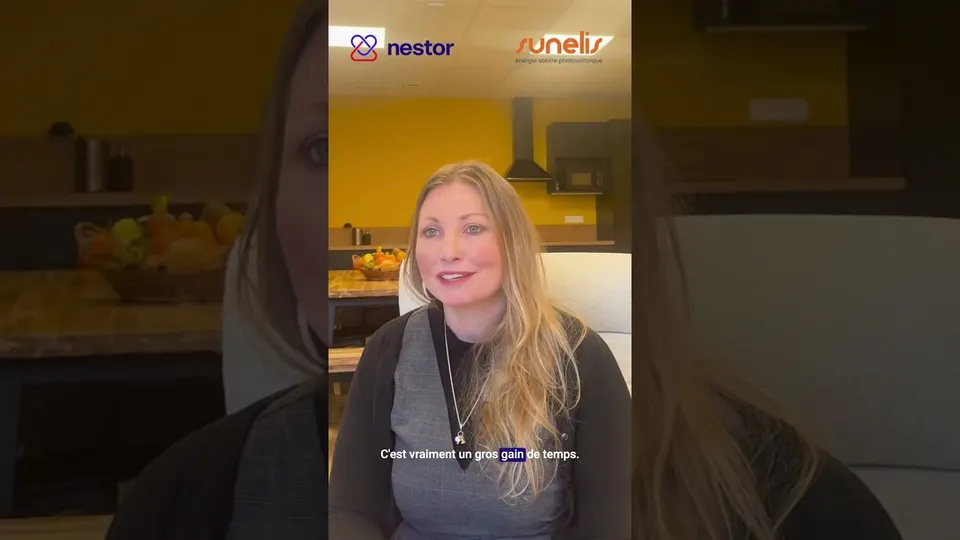
“Since I have automatic reminders, I'm not sitting there wondering: do I need to send a reminder? (...) Everything is in one place, I don't need to search through 50,000 emails.”
05Frequently asked questions
Frequently asked questions
Can we customize the reminder message?
Yes. You choose the message, the frequency, and the dates, for a one-time or recurring reminder.
Do people who have already answered get reminders?
No. Reminders stop for the people who have answered.
Can the activity log be exported?
Yes, as CSV, for each space, campaign, and portal.
Do reminders work on portals?
No. A portal visitor uploads whenever they choose. Reminders apply to requests, forms, and campaigns.
Related features
How many reminders did you write this month?
Show us a file that is dragging on: we will show you the reminder schedule that would have followed it up for you.
- Fully sovereign European hosting
- No account to create for the people you work with